How to Optimize a Roblox Game for PS4: Our Case Study
How we're optimizing Stillskin Forest for PS4 and consoles: what we measured in Studio, what shipped, the ten ranked fixes, and what still needs a real PS4.

Short answer. To optimize a Roblox game for PS4, measure work time instead of frame rate, find what the console pays for that a computer hides, and cut that first: shadow casters, per-frame property writes, server-side cosmetic scripts, replicated effects and the number of animated characters. Then confirm on a real console, because nothing measured on a Mac or PC proves a PS4 result.
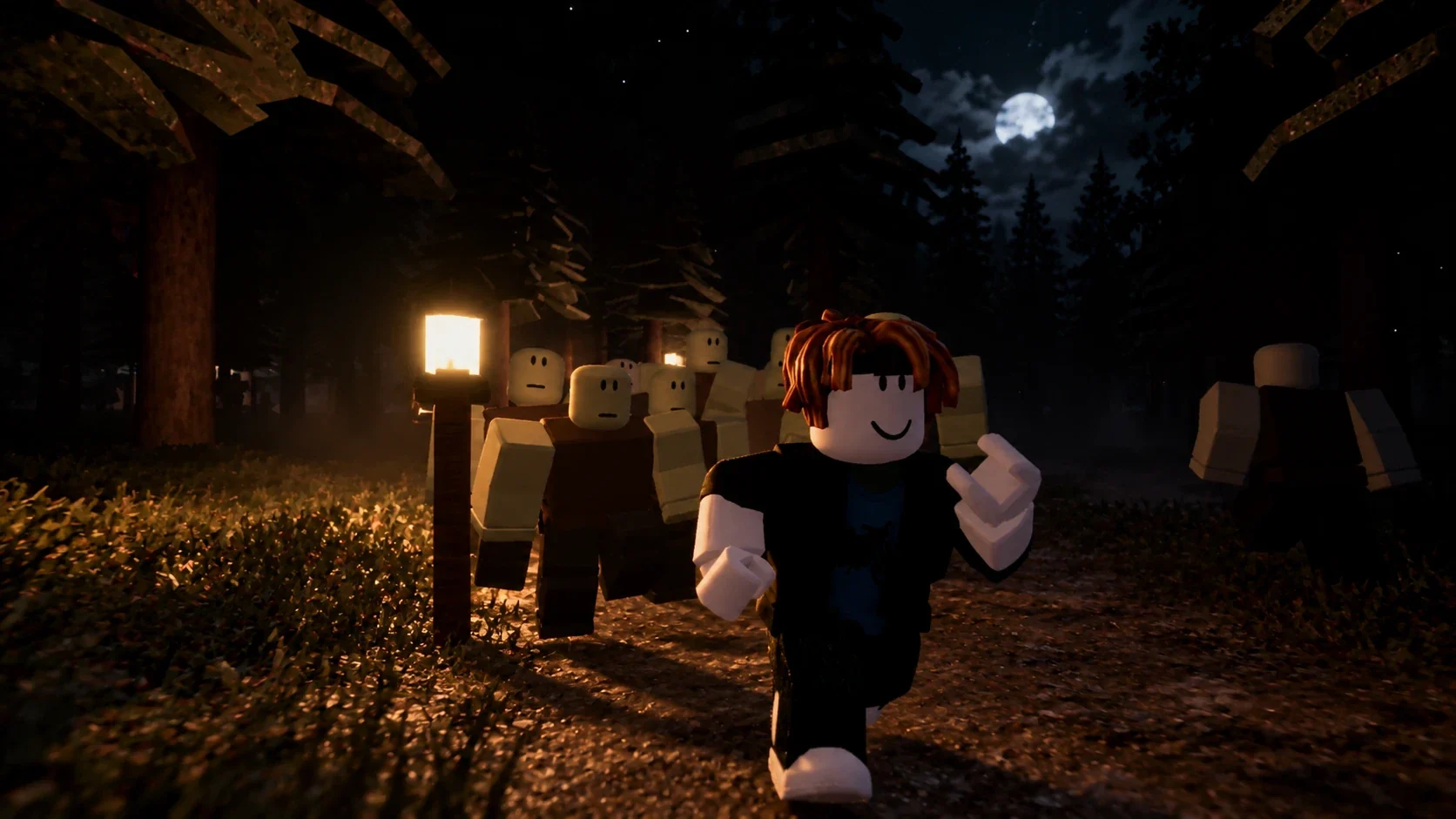
This is the case study of how we're doing that for Stillskin Forest, our co-op zombie survival-horror game on Roblox. Players told us it was laggy on PS4. This article covers what we measured, what we changed, what's already live and what isn't, with every number labelled by where it came from. One thing up front: as of 31 October 2026, nobody has measured the game on a PS4, and we don't claim it runs smoothly there yet. What we can show is the method, the Studio measurements, and a ranked list of fixes with honest estimates. We'll update this page with device numbers once we have them.
Key takeaways
- Unfocused Studio lies about frame rate. Every spot we tested read about 67 ms per frame, roughly 15 FPS, because Studio throttles a window that isn't in front. We measured work time (render CPU, script profiler, server heartbeat) instead.
- Most of the map was casting shadows. 37,804 of 47,902 parts cast shadows. Culling them by distance, and turning sun shadows off on consoles' Performance preset, was the cheapest big win.
- Cosmetic scripts were running on the server. Free-model light-flicker, TV and street-lamp scripts changed properties many times a second, and every change replicated to every player. Moving them to the client cut server script time by 31% in our Studio test scene.
- Caps beat micro-optimisation. Making each zombie cheaper barely moved the needle. Capping how many exist at once did.
- One tree model was half the map. A 45-part pine, placed 564 times, made up about 53% of all parts. Content can cost more than code.
- Estimates aren't results. Our ranked fixes carry estimated gains with a confidence level. They become results only after a PS4 run.
How to read the numbers in this article
Every number here falls into one of three groups, and the article says which:
- Studio, Mac. Measured in Roblox Studio on our development Mac. Good for before-and-after comparisons in the same session. Not a PS4 result.
- Estimate. A projected range with its basis and a confidence level (high, medium or low), from our ranked fix list. Not a measurement.
- Configuration. A setting we changed and read back, such as a player cap or a streaming radius.
Two more terms come up often:
- Render CPU is the time the client's CPU spends preparing a frame for the GPU, in milliseconds.
- Server heartbeat is the time the server takes per simulation step. Our target is about 16.7 ms, which is 60 steps a second.
Published means live in the game players can join. The 31 October fixes were published that afternoon (17:31 UTC), before every multiplayer test had finished.
Why the PS4 is harder than your development machine
You develop on a computer. Your players may be on a 2013 console. These figures are general hardware knowledge, not our measurements, but they explain why a Mac can hide a PS4 problem:
- CPU. The PS4 has an eight-core AMD Jaguar CPU at about 1.6 GHz. Single-thread speed is well below a modern laptop, and single-thread speed is what most of a Roblox client's game logic, humanoid and animation work depends on.
- GPU. Roughly 1.8 teraflops: fine for simple scenes, strained by many shadow casters, transparency and post-processing.
- Memory. About 5 GB usable. Every streamed-in instance, texture and sound competes for it.
The practical result: a cost that rounds to nothing on a Mac, like a few hundred property writes a second or a few thousand extra shadow casters, can be a visible stutter on a PS4. You have to find those costs on the fast machine, because that's where your tools are, and then prove the fix on the slow one.
Roblox doesn't give a script a way to tell a PS4 from a PS5. On consoles GuiService:IsTenFootInterface() returns true, so we treat every console as the weakest one.
The development journey in one week
Performance problems in Stillskin Forest built up the way they do in most games: one reasonable feature at a time.
| Date (2026) | What happened | Status | |---|---|---| | 24 Oct | Core loop working: day/night, downed and revive, zombie AI, loot, special nights. Map about 19,000 parts. Performance "not profiled yet". | Built | | 25 Oct | Big build-out: map edges, the climb to the asylum, audio mix, shooter feel, lobby and matchmaking, building, survivor systems, first two-player test. | Built | | 26 Oct | Many publishes in one day: lobby rebuild, shop, retention features, loot rarity, badges. Console support switched on and controller support shipped. A fix pass after a PS5 playtest. | Published | | 27 Oct | World and atmosphere: Blackpine Airfield, a much denser forest, a cinematic lighting pass, region night lighting, weather, breakable glass, a second lobby rebuild. | Published | | 28 Oct | Loot economy, the Freeze Device, gun repairs. | Published | | 29 Oct | First console performance pass (below), then the zombie overhaul with hard population caps. | Published | | 30 Oct | Night-vision light exposure, longer-lasting guns, saved expeditions with friends. | Published | | 31 Oct | Full performance baseline, a PS4 investigation, ten ranked fixes; nine of them shipped that afternoon. | Published 17:31 UTC |
The pattern is worth noticing. The heaviest additions, the denser forest, more lights, weather and more zombies, all landed on 27 October, the day after console support was switched on. Each was tested on a fast machine and looked fine. The console cost only showed up once players brought it up.
The optimization method, step by step
- Measure work time, not frame rate. Use render CPU, the script profiler and server heartbeat, with the Studio window in front, and compare before and after in the same session.
- Take a census of the place. Count parts, shadow casters, lights, transparent parts, effects, sounds and scripts running in the world, and find which models contribute most.
- Profile representative spots. Measure the same handful of places every time: a quiet area, a busy town, a dense area and the heaviest event, such as a horde chase.
- Find the console multipliers. Look for costs that scale with something consoles do badly: shadow casters, per-frame property writes, server-side cosmetic changes, replicated effects and animated characters.
- Rank fixes by impact divided by effort. Give each an estimated range, its basis and a confidence level, and do the cheap, high-confidence ones first.
- Change one thing, re-measure, record. Write down the before, the after, the device and the method for every change.
- Separate gameplay changes from tuning. Anything players will notice, like fewer zombies or a lower player cap, needs the owner's approval first.
- Publish, then measure on the real device. Only a capture on the target console turns an estimate into a result.
Step one: measure work time, not frame rate
Our first baseline nearly went wrong. Every spot in the game, including a near-empty ritual room, read the same 67 ms per frame. That wasn't the game: Roblox Studio throttles to about 15 FPS when its window isn't focused, and it can open the pause menu as well. The first sample we took with the window in front read 18.8 ms.
So we stopped trusting wall-clock frame rate from Studio entirely and recorded work-time numbers that don't depend on the window:
- Render CPU from the client's stats, per spot.
- Script profiler samples at 1,000 Hz for 10 seconds on the client and the server, to rank which scripts cost the most.
- Server heartbeat average and worst spike.
- Instance counts on the client, which tell you how much has streamed in.
We measured the same spots every time: the campsite cabins, Stillwater town, the military base, the Blackthorn asylum grounds and the ritual room. We also measured chases with 27 and 47 infected, a player emptying a rifle, and the map screen open.
If you take one thing from this article, take this: pick your metrics before you change anything, and never compare numbers taken under different conditions. We threw out one of our own earlier zombie baselines for exactly that reason.
What the census found
On 31 October we counted everything in the place (Studio, edit mode):
| What | Count | |---|---| | Parts | 47,902 (106 of them meshes) | | Parts casting shadows | 37,804 | | Semi-transparent parts | 478 | | Lights | 408 (none with shadows on) | | Particle emitters / beams and trails / sounds | 30 / 8 / 92 | | Enabled server scripts inside the world (from free models) | 37 | | Instance streaming | On |
Shadow casters by area: Blackthorn asylum 8,865, Stillwater town 7,786, the pine tree model 7,740, the lobby 4,224, the forest 2,872, the map edges 2,330, landscape polish 2,170, the cabins 696 and the military base 539.
Per-spot render CPU with seven infected alive (Studio, Mac):
| Spot | Render CPU | Instances on the client | |---|---|---| | Campsite cabins | 6.0 ms | 108,057 | | Stillwater town | 4.3 ms | 110,702 | | Military base | 5.3 ms | 110,788 | | Blackthorn grounds | 3.3 ms | 116,161 | | Ritual room | 4.5 ms | 116,113 |
Two things stood out. First, the server's slowest scripts weren't our game code. They were free-model scripts: a ceiling fan, six cabin light-flicker scripts, a watchtower flicker, a TV static effect and ten street-lamp scripts, all ranked above the zombie AI. The most expensive engine calls were setting a light's brightness and a decal's texture. Second, arriving at the asylum streamed in about 5,000 instances at once, and the frame spiked to 366–381 ms even in the throttled run.
The first console pass (live since 29 October)
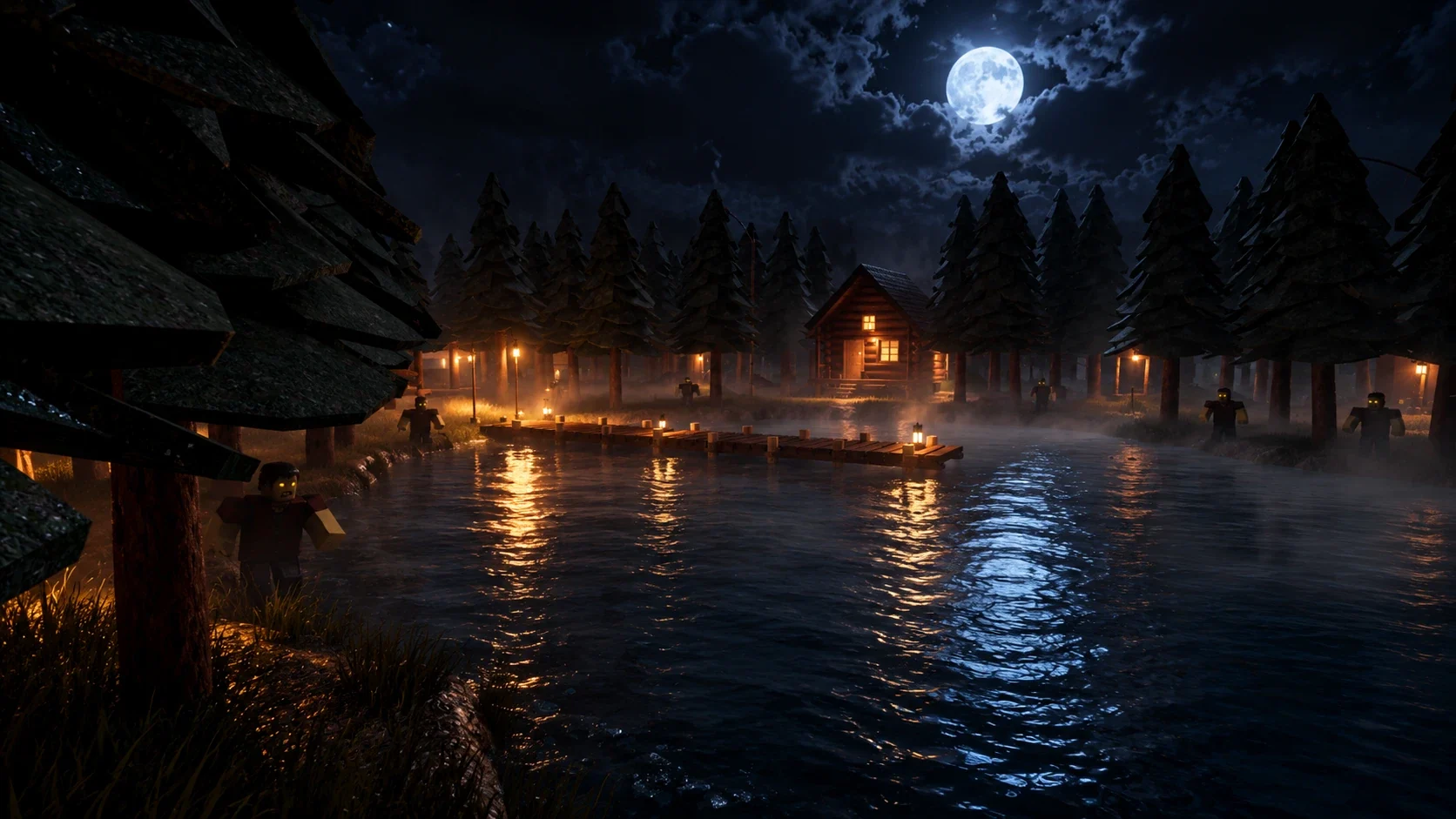
Our first console pass went live on 29 October, before the full baseline existed. It targeted the obvious costs:
- Shadows off on small things. 171 placed lights and 4,169 small parts, bushes, ferns, glass and neon pieces stopped casting shadows.
- Tree physics trimmed. 29,649 high branch and crown parts were taken out of touch events and raycasts. Trunks, bushes and anything at head height kept their collisions, so line of sight and hiding work as before.
- Graphics presets. High, Balanced and Performance, saved per player. Consoles start on Performance, phones on Balanced. Tree shadows are culled at 260, 150 or 90 studs depending on the preset.
- Foliage sway skips cells behind the camera and follows the preset.
- Streaming radius halved, from 1,024 to 512 studs.
- Zombie AI got a third, slower update tier for infected far from any player.
What we measured: culling tree shadows at 90 studs cut shadow triangles from 3.85 million to 1.41 million, a 63% reduction (Studio, Mac, repeatable). The number of shadow draw calls didn't change, at about 500. Spikes of up to 117 ms were still visible on the Mac afterwards, and the console itself wasn't measured.
Zombie caps beat zombie micro-optimisation
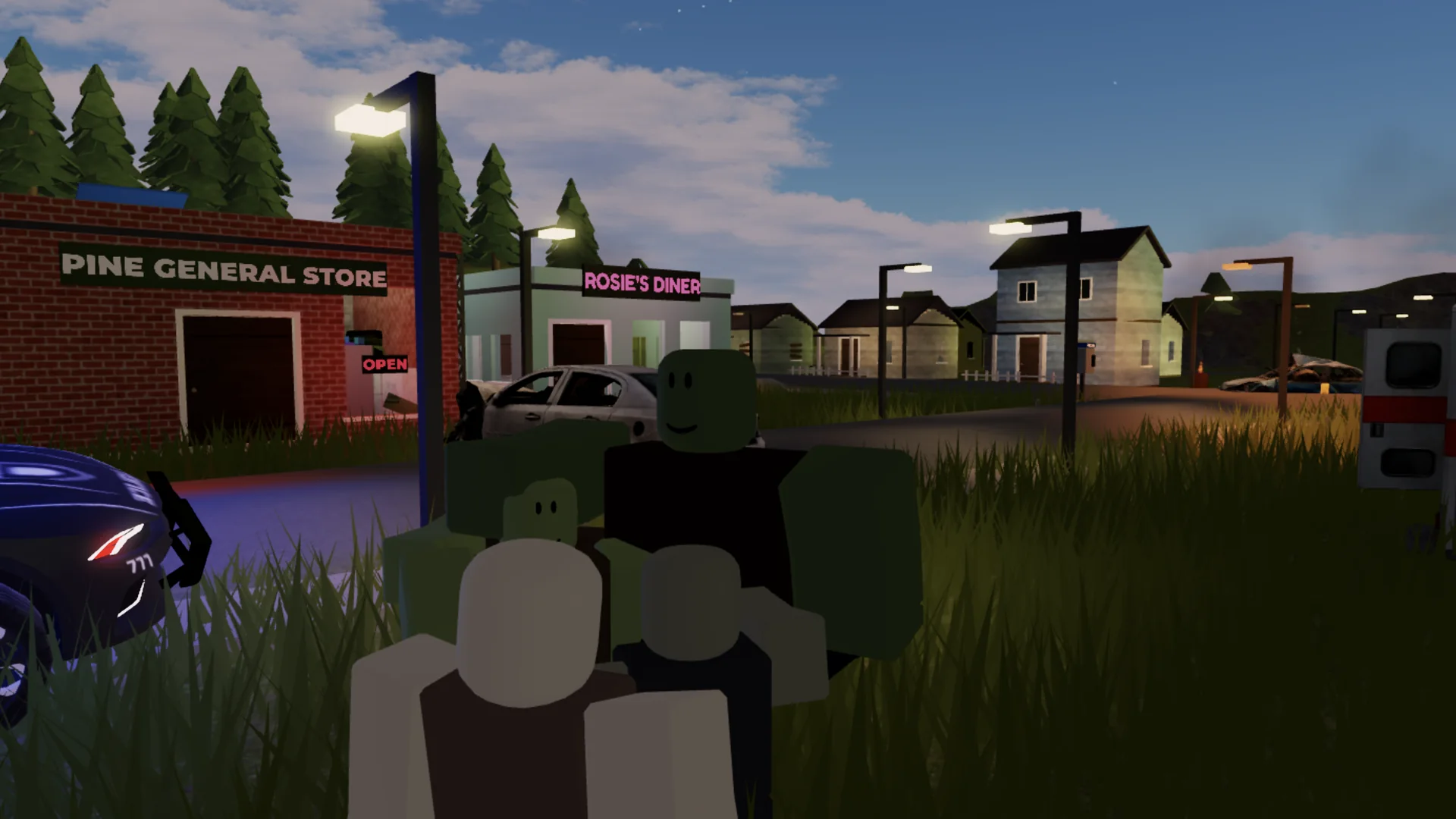
The same day, the zombie overhaul shipped. An audit had found the night population could reach about 120 infected in the worst case. The overhaul made each zombie lighter: it removed an animation script and wrap targets from the template, turned off touch events on every part, disabled eight unused humanoid states and anchored sleeping zombies. It also set hard caps: at most 16 at a time by day, 40 at night and 56 in total, with special nights no longer multiplying numbers.
We measured the template changes in a same-session A/B test with infected chasing within 20 studs (Studio, Mac, server):
| Infected chasing | AI time per second (old → new) | Instances (old → new) | |---|---|---| | 10 | 11.69 → 11.89 ms | 2,813 → 2,786 | | 20 | 24.86 → 23.29 ms | 5,620 → 4,837 | | 40 | 46.09 → 35.53 ms | 11,243 → 8,923 |
Each zombie now replicates about 205 instances instead of about 262, roughly 22% fewer. But the per-zombie AI cost hardly changed. The real win was the cap. Going from a possible 120 to at most 56 does more than any amount of tuning a single zombie's logic.
A later measurement confirmed where a horde's cost lives. With 47 infected chasing, server script time grew roughly linearly with the count, but client script time didn't grow at all (Studio, Mac). The client cost of a horde is engine-side: humanoids, animation and replication. On a console that is the cost to cut, and the most direct way to cut it is fewer animated characters on screen.
The ten ranked fixes
With the baseline in hand, a separate investigation ranked console fixes by expected impact divided by effort. Every percentage in this table is an estimate, not a measurement. Each comes from our Studio numbers, our part counts or engine documentation, and has a confidence level. Status is as of the 31 October publish.
| # | Fix | Why it helps on PS4 | Estimated gain | Confidence | Status | |---|---|---|---|---|---| | 1 | Console graphics floor: consoles default to Performance, no High on console, sun shadows off on Performance | Shadow pass and GPU load outdoors | 10–30% of GPU frame time for console players | Medium | Live | | 2 | Zombie animation speed updated only when it changes (about 1,600 calls a second with 27 moving infected) | Animation work per frame during a horde | About 90% fewer calls; 5–15% of horde client cost | High / medium | Live | | 3 | Day/night lighting written only when a value changes | Lighting property writes every frame | 0.2–0.5 ms CPU per frame | Low–medium | Live | | 4 | Cave ambience no longer scans the whole world (about 110,000 instances) every 5 seconds | A periodic hitch | Removes an estimated 15–50 ms hitch every 5 s | High / medium | Live | | 5 | Night zombie cap 40 → 28, total ceiling 56 → 40 | Fewer animated characters | 25–40% of horde client frame time at peak | Medium | Live (owner-approved) | | 6 | Replace the 45-part pine tree with a 1–2 part version | Instances, streaming and memory | Instances −45–50%; streaming hitches −40–60% | Medium | Not started; awaiting the owner's sign-off on looks | | 7 | Rain particles scale with the preset | GPU in heavy rain | 1–4 ms GPU in storms | Low–medium | Live | | 8 | Lobby player cap lowered | Fewer characters in the lobby | 20–40% of lobby frame time when full | Low–medium | Live (cap 50 → 20) | | 9 | Bloom and sun rays scale with the preset | Post-processing cost | 0.5–2 ms GPU | Low | Live | | 10 | Weapon effects built on clients, not the server | Replication churn when firing | 70–90% less fire replication | Medium | Live |
A few notes on how we chose these:
- Cheap and confident first. Fixes 1 to 4 are small changes with high or medium confidence. Fix 6 has a big estimated payoff but changes how the forest looks, so it waits for the owner's eyes.
- Gameplay changes need approval. Fewer zombies and a smaller lobby change what players experience. Both were approved by the owner before they were made.
- Server heartbeat wasn't the problem. Even with 47 infected chasing, the Studio server held about 16.8 ms per step. So client and replication fixes ranked above server-only ones.
What we measured after the fixes
These are before-and-after numbers from the same Studio sessions on 31 October (Studio, Mac). All of these changes went live in the 31 October publish; the numbers are still Studio numbers, not PS4 ones.
| Change | Before | After | Change | |---|---|---|---| | Free-model light, TV and lamp scripts moved from server to client | Server script time 0.108 (profiler units, campsite) | 0.074 | −31% | | Same change, worst server spike | 159 ms | 62 ms | −61% | | Console graphics floor (High → Performance), campsite by day | Render CPU 3.52 ms | 3.08 ms | −12% | | Day/night lighting writes | 270 property changes a second (about 18 per frame) | 28 a second | −90% | | Shotgun effects built on clients | 147 server-built instances per five-shot volley | 13 | −91% | | Town effects script rebuilt on a spatial grid | Top client script | No longer in the top 8 | — |
Bloom and sun rays now scale with the preset: on Performance, sun rays are off and bloom size drops from 34 to 15.3. The inventory display was also rebuilt to redraw only when the inventory actually changes. Before, it polled five times a second, rebuilt on any player attribute change and recalculated its layout every frame.
The free-model script fix is the one we'd recommend to every Roblox developer. Those scripts weren't badly written. They were simply in the wrong place. A light that flickers on the server changes a property many times a second, and every change is replicated to every player. Running the same flicker locally on each client costs the server nothing and the network nothing. Players on any device see the same effect, and in our case the campground street lamps now follow dusk and dawn like the lights in town.
The biggest costs were content, not code
It's tempting to go straight to scripts, because scripts are what developers can read. Our two largest costs were content:
- Shadow casters. About 38,000 of 48,000 parts cast shadows by default. Nobody chose that; it's Roblox's default for every new part. The fix is a decision per category of object: small props, foliage, glass and neon don't need shadows, and distant scenery can stop casting beyond a set range.
- One tree. Our pine tree model has 45 parts. It's placed 564 times, which is 25,380 parts, about 53% of all parts in the map. Most of those are leaf unions. Replacing it with a one- or two-part tree is estimated to remove nearly half the instances in the game. We built test swaps and side-by-side screenshots, and the swap waits for the owner's approval, because the forest is the game's identity.
If you audit your own game, sort your models by part count multiplied by how many times each is placed. The top of that list is usually more important than anything in your scripts.
Bugs and traps along the way
Not every lesson was about frames. These cost us time during the week, and each one is common enough to watch for:
- A test that loaded a copy. Loading a server module from a Studio command made a second copy that reset the game clock, so a run looked like it "never started". The fix is to test only through hooks the game creates. Read more in how we build the game with AI agents.
- The "last updated" field isn't a publish record. Roblox's public
updatedvalue follows Studio's automatic cloud saves, not publishes. We confirm a publish from Studio's own "Published" message or the dashboard's version history. - Streaming and positions. With streaming on, the lobby's departure truck read its home as the world origin, because the model hadn't streamed in when its position was read. The fix was to store the home position as an attribute.
- A controller button stolen by the default camera. Roblox's camera binds R3, which swallowed our first-person toggle. Our camera controller now binds R3 itself at a higher priority.
- Twitching dead zombies. Dead rigs became socket ragdolls while their animations kept playing. The death handler now stops the animations and removes the joints.
- A per-frame write you can't see. An invisible anchor used for teammate prompts has its position set every frame for every player. That's about 240 replicated position updates a second with four players, and it's on our list of next fixes.
What we still can't claim
Being specific about what we don't know is part of the method:
- The game hasn't been measured on a PS4. Every number in this article is from Studio on a Mac, an estimate, or a setting.
- The 31 October fixes are live, but some haven't been play-tested since. Nine of the ten ranked fixes shipped in the 31 October publish, including the lower zombie caps. A few (the animation-speed, cave-scan and rain changes) were built and checked in code but not yet in a play test. The pine tree swap hasn't started.
- Not yet measured: the streaming hitch when arriving at the asylum, night lighting cost, the ritual's waves, several players firing at once, a full lobby, and CPU versus GPU on the console.
- Not yet reviewed by eye: whether the Performance preset's shadow culling hides anything that matters for gameplay or changes the night's horror look.
The device test we plan is simple: a MicroProfiler capture on a PS4, before and after the top five fixes, at four spots. Those are the campsite by day, Stillwater at night with a horde, arriving at the asylum, and a full lobby.
A checklist for your own Roblox game
- Measure render CPU, script profiler and heartbeat with Studio focused. Don't use wall-clock FPS from an unfocused window.
- Count shadow casters. Turn shadows off on small props, foliage, glass and neon, and cull distant scenery's shadows by range.
- Ship graphics presets, and start consoles on the lowest one.
- Find every script under Workspace, especially from free models. Move anything cosmetic to the client.
- Write lighting and other properties only when the value changes, never every frame by default.
- Build visual effects like muzzle flashes and tracers on clients, with a lightweight message from the server.
- Cap how many animated characters can exist at once, and don't let events multiply the cap.
- Never scan the whole world on a timer. Use tags or a spatial grid.
- Sort models by part count times placements, and simplify the top few.
- Rank fixes by impact divided by effort, label estimates as estimates, and measure on the real device before you call it fixed.
For a broader diagnosis guide, including the MicroProfiler, physics, network replication and streaming, see how to fix lag in Roblox games.
FAQ
How do you optimize a Roblox game for PS4?
Measure work time in Studio rather than frame rate, then cut what consoles pay for most: shadow casters, per-frame property writes, server-side cosmetic scripts, replicated effects and the number of animated characters. Start consoles on your lowest graphics preset, and confirm every gain on a real PS4.
Why is my Roblox game laggy on PS4 but fine on PC?
The PS4's CPU is much slower per core than a modern PC or Mac, its GPU is weaker, and it has about 5 GB of usable memory. Costs that round to nothing on a fast machine, like thousands of shadow casters or hundreds of property writes a second, show up as stutter on the console.
Can you tell a PS4 from a PS5 in a Roblox script?
No. On consoles GuiService:IsTenFootInterface() returns true, but scripts can't tell which console it is. We treat every console as the weakest one and default it to the Performance preset.
Why does Roblox Studio show 15 FPS when my game should run faster?
Studio throttles its frame rate to about 15 FPS when its window isn't focused, and can open the pause menu as well. Keep the window in front for timing runs, or measure work time from the profiler instead of wall-clock FPS.
Do free-model scripts cause lag in Roblox?
They can, if they run on the server. A free-model light that flickers on the server changes a property many times a second, and each change is replicated to every player. Moving that effect to the client cut our server script time by 31% in a Studio test.
How many zombies or NPCs can a Roblox game handle on console?
There's no fixed number; it depends on how heavy each character is. Since the 31 October update the live game caps infected at 28 at night and 40 in total, down from 40 and 56. Capping the count did more than making each zombie cheaper.
Does StreamingEnabled help performance on console?
Yes, mainly for memory and load time. We halved our streaming radius from 1,024 to 512 studs in the first console pass. It can also cause hitches when a large area streams in at once, which is still on our list to fix for the asylum.
Are the percentages in this article real results?
The before-and-after numbers are real Studio measurements on a Mac. The PS4 gains in the ranked fix table are estimates with confidence levels. Neither is a PS4 measurement, and we'll publish device numbers when we have them.
Conclusion
Optimizing for the PS4 is mostly a matter of being honest about what you've measured. Our biggest wins so far came from things that are invisible on a fast machine: most of the map casting shadows, cosmetic scripts running on the server, lighting written every frame, effects replicated from the server, and too many animated characters at once. The fixes were mostly small. Finding them took a measurement method we could trust, and a habit of labelling every number by where it came from.
The next step is the one that matters: a capture on a real PS4. When we have it, this page gets the device numbers, including the ones that don't flatter us.
To see the game this is about, start with Stillskin Forest and its development log. For the team process behind the work, read how to make a Roblox game with AI agents.

Next step