Stillskin Forest Controls
Last checked · Checked against the development build
What are the controls in Stillskin Forest?
Move with WASD, sprint with Left Shift, jump with Space, interact with E, toggle the headlamp with F, crouch with C, aim with right mouse, fire or swing with left mouse, reload with R, ping with T, and open the backpack with B or Tab. V switches to first person and J opens your journal.
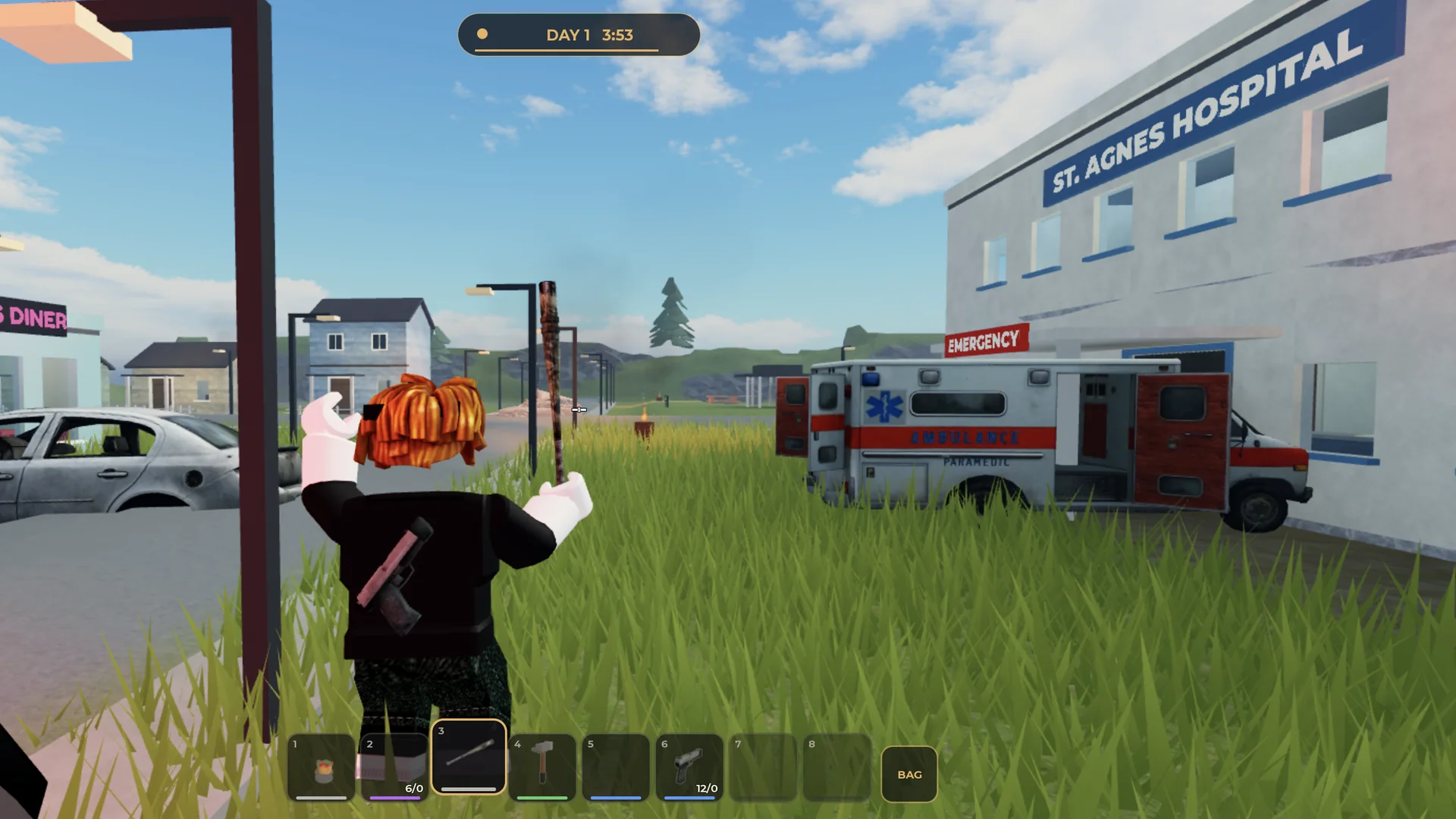
Keyboard and mouse
| Input | Action |
|---|---|
| W A S D | Move |
| Mouse | Look and aim (the cursor is locked to the crosshair) |
| Space | Jump. Cars and furniture must be jumped onto, not walked up |
| Left Shift | Sprint while you have stamina |
| C or Left Ctrl | Crouch |
| E | Interact: pick up, read, hide, open doors, climb ladders |
| Hold E | Revive a downed teammate; give your held item to a teammate |
| F | Headlamp on/off |
| Left mouse | Fire, swing, or use the held item |
| Right mouse | Aim |
| R | Reload |
| V | Switch between third and first person |
| Number keys | Select a hotbar slot |
| B or Tab | Open the backpack |
| G | Drop the held item |
| T or middle mouse | Ping (infected, loot, or here) |
| J | Journal: notes, achievements and map |
| L | Light or put out a carried lantern |
| H | Clip the lantern to your belt |
| Esc | Close a note or menu |
Controller
| Button | Action |
|---|---|
| R2 / L2 | Fire / aim |
| B | Crouch |
| X | Ping |
| LB / RB | Cycle hotbar |
| D-pad down | Headlamp |
| D-pad left / right | Light lantern / lantern to belt |
| R3 | First person |
Control tips
- Sprinting stands you back up from a crouch.
- With a hammer, a quick click swings; holding the click and dragging across a surface nails a plank. See Doors and building.
- Walking into the foot of a ladder starts a climb; Jump lets go partway.