Hiding
Last checked · Checked against the development build
How do you hide from zombies in Stillskin Forest?
Walk up to a hiding spot (a locker, wardrobe, dumpster, chest, trunk, morgue drawer or tent) and press E. You watch through the slats or gap and can look around a little; leave with E or Space. If no infected saw you go in, you're safe. If one did, the Dread Encounter begins: stay still until it leaves.
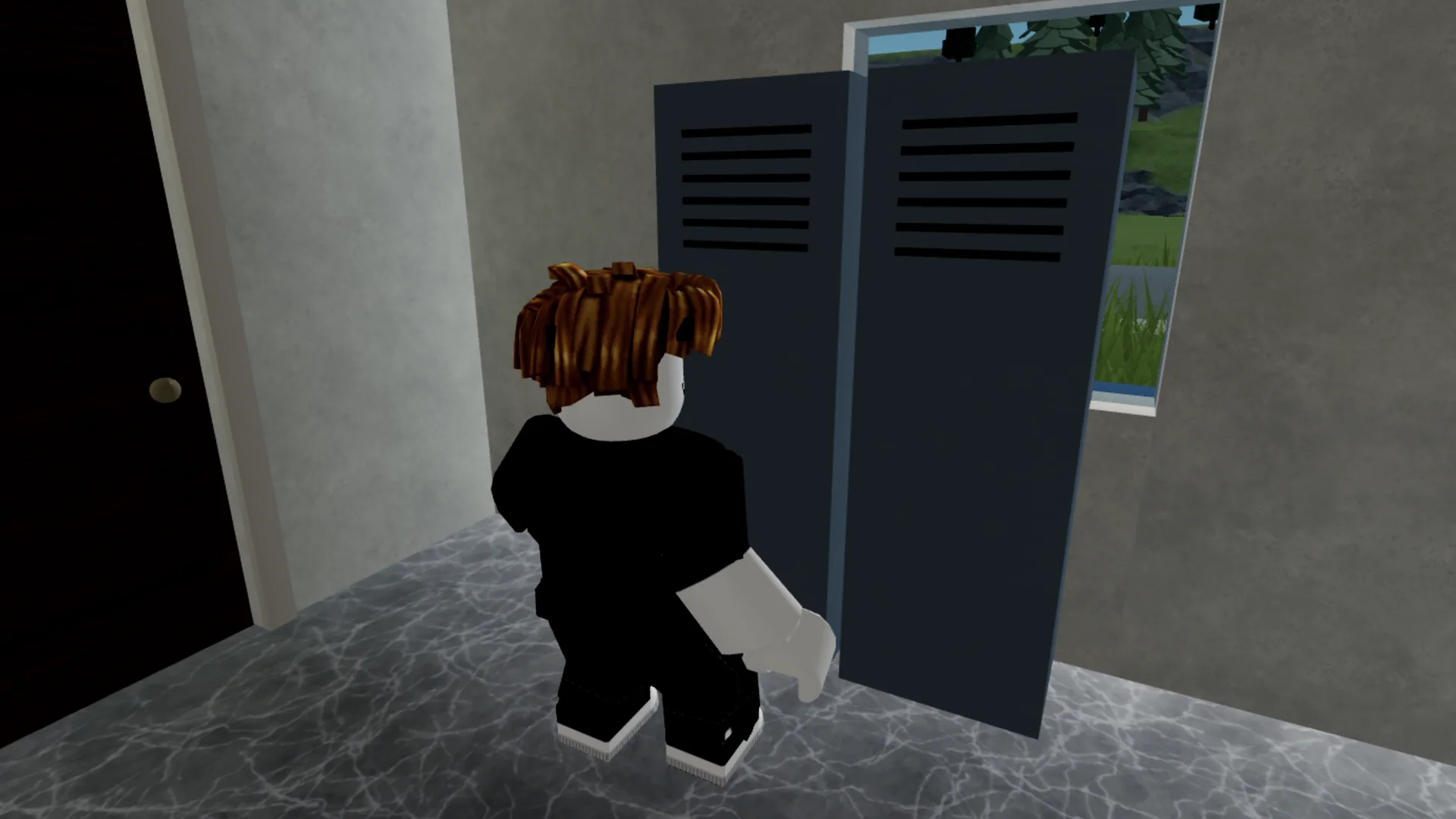
Hiding spots
- Two lockers in St. Agnes Hospital
- The alley dumpster between the store and the diner
- Wardrobes in two Stillwater houses
- The chest freezer in the walk-in freezer
- The trunk in Tommy's attic
- A drawer in the morgue
- The tent at the Campgrounds
Entering and leaving
Press E at the spot. Inside, the camera looks out through the opening with a small range of movement, and you hear your own breathing. Leave with E, Space, gamepad A or B, or the LEAVE button on touch.
Hidden survivors cannot be targeted or damaged directly. A chaser that loses you walks to roughly where you vanished and searches, so being found is a real risk.
If they saw you
Hiding in sight of an infected starts the Dread Encounter. Leaving early can restart the chase, and you can't leave while an infected is visibly watching the spot.